


Story
Point
Imagery
layout
look
It looks a little something like this:
In this course, you will uncover the breakdown of the process in order to achieve the same effect.
In turn, you can look forward to winning more deals, more contracts and more respect from your audience if applied correctly.
That’s how we secured top Fortune 500 clients, got on the list of Forbes 30. Under 30, grew our business by 7.5 times and recently won an award for our training programmes.



In our attention-deficit information age, text vomit and monotonous visuals leave you with a huge disadvantage. The Visual Persuasion programme will teach you how to become a visual thinker. Learners will walk away with concepts and approaches that will change the way they build presentation visuals.
They’ll return to work with a new set of lenses to audit their old presentations and transform their dense and dull slide decks by turning endless paragraphs of words and bullets into pictures and diagrams that simplify complex information.
Versatile Design
Design presentations that are suitable for different contexts or nature
Declutter The Slides
Un-bury key messages and organising text and visual content in a way that helps the audience to understand.
Purposeful Visuals
Communicate key messages quickly and effectively with powerful and purposeful visuals
Clear Message
Skilfully use visual elements such as colours, fonts, shapes to make the key message pop.
Module 1: Introduction to design that works
Module 2: Imagery
Module 3: Layout
Module 4: Look
Module 5: Powerpoint time-saving tips
Module 6: Powerpoint design tips
Module 7: Powerpoint time-saving tips
Module 8: Time-saving hacks
Module 9: Data Visualisation
3-step formula to data visualisation
Step 1: Identify
Finding the right chart for the key message
Infographics
Step 2: Simplify
Remove elements that don’t clarify the message
Best practices: 1 key message per chart and slide
Step 3: Amplify
Contrast with shapes, size, colours
Elements that tell a story
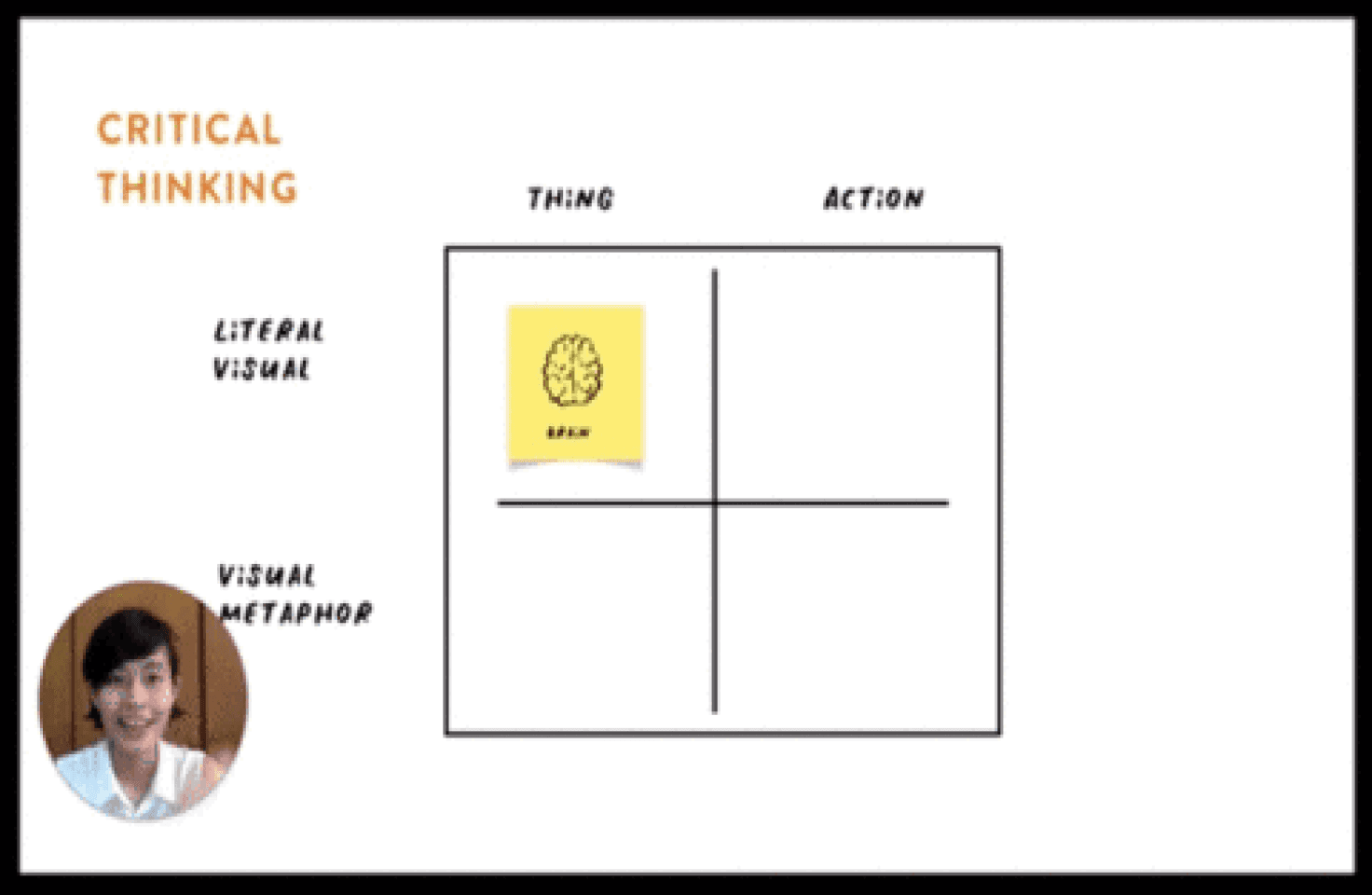
8 Modules
Led by Forbes30U30 Honouree and Master Trainer at HighSpark, Koh Kai Xin, you’ll learn all you need to prepare a convincing story narrative from scratch with tutorials and exercises.

Before and after
examples
The trainer will demonstrate to you how you can revamp your slides. This is a service that our clients pay for us to do and you get it at no cost!

Personalised feedback
Get personal guidance from the Trainer herself at every step of the way. Suggestions for improvement will be recorded and sent to you after each submission.

Exclusive done-for-you
resources
Usually reserved for our corporate clients – now made accessible to you. You’ll have an unfair advantage at the workplace.. Shhh don’t tell anyone.

Hands-on case studies &
exercises
These unique case study examples depicting various scenarios ensure 100% guided application of the principles you learn. You’ll have no excuse not to take action.
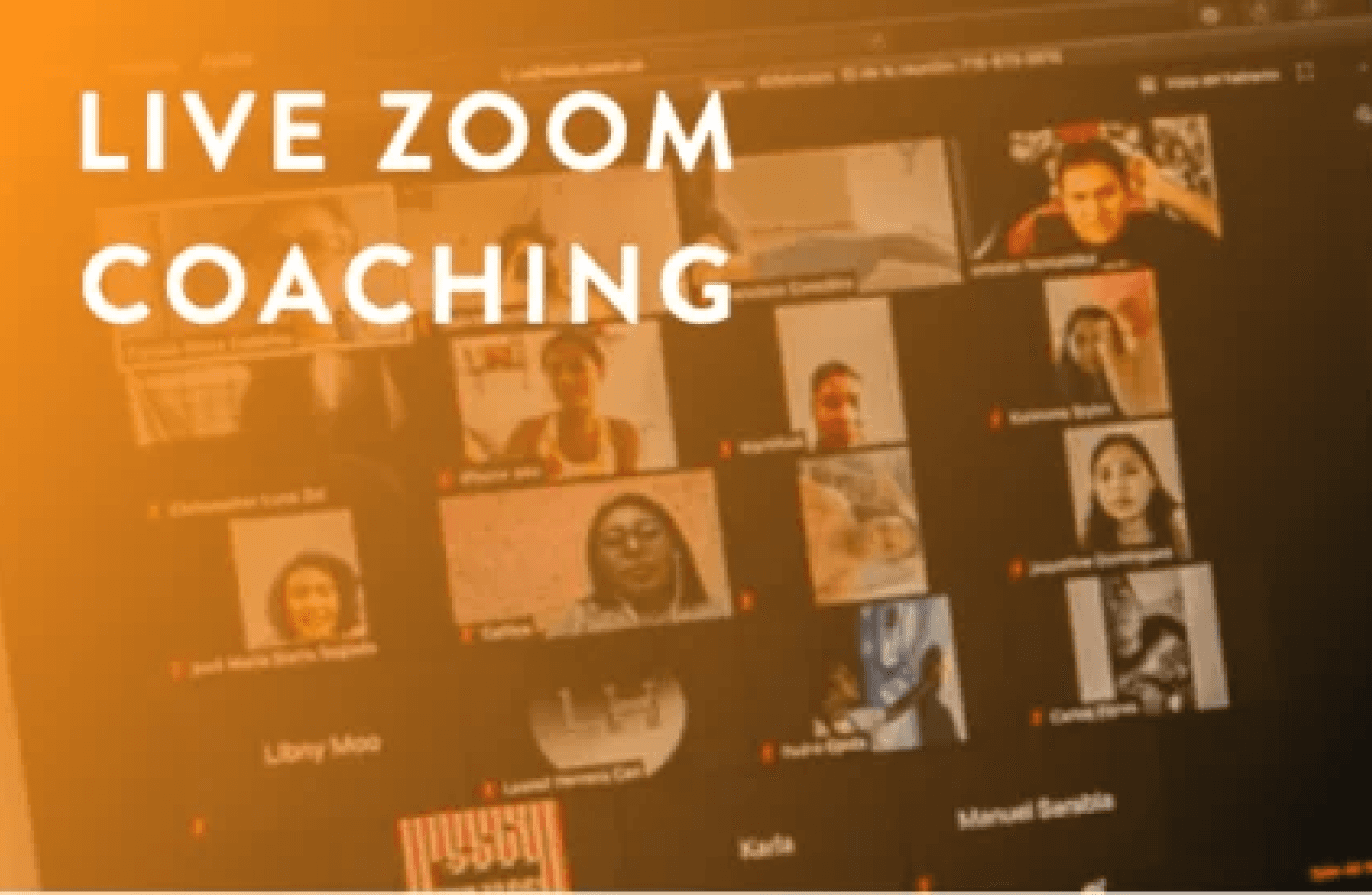
Live Zoom Coaching
For corporate runs only! Review and share progress, ideas, and best practices. The trainer will be there to ensure you’ve internalised the learnings.
Heard enough? Enroll today
Payment is processed and secured by Stripe and PayPal by 128bit SSL encrypted payment.


We’ve designed and tested it vigorously
Too many courses out there share theories without application. We’ve tested these methods you’ll be learning with clients from 100s of industries – and they work.
Design principles that can be applied everywhere
This is not the typical PowerPoint 101 course. We recognise that tools and softwares would change but the principles don’t. These principles will allow you to use visuals purposefully to clarify your keymessages.
We help people tell visual stories for a living
For the past 7 years, I’ve helped our clients successfully achieve their desired results with visual narratives, it’s not a ‘side-hobby’ for me and my team. We get results and we’re good at it. Period.

Winston Wee
Digital Specialist, Singapore Management University