








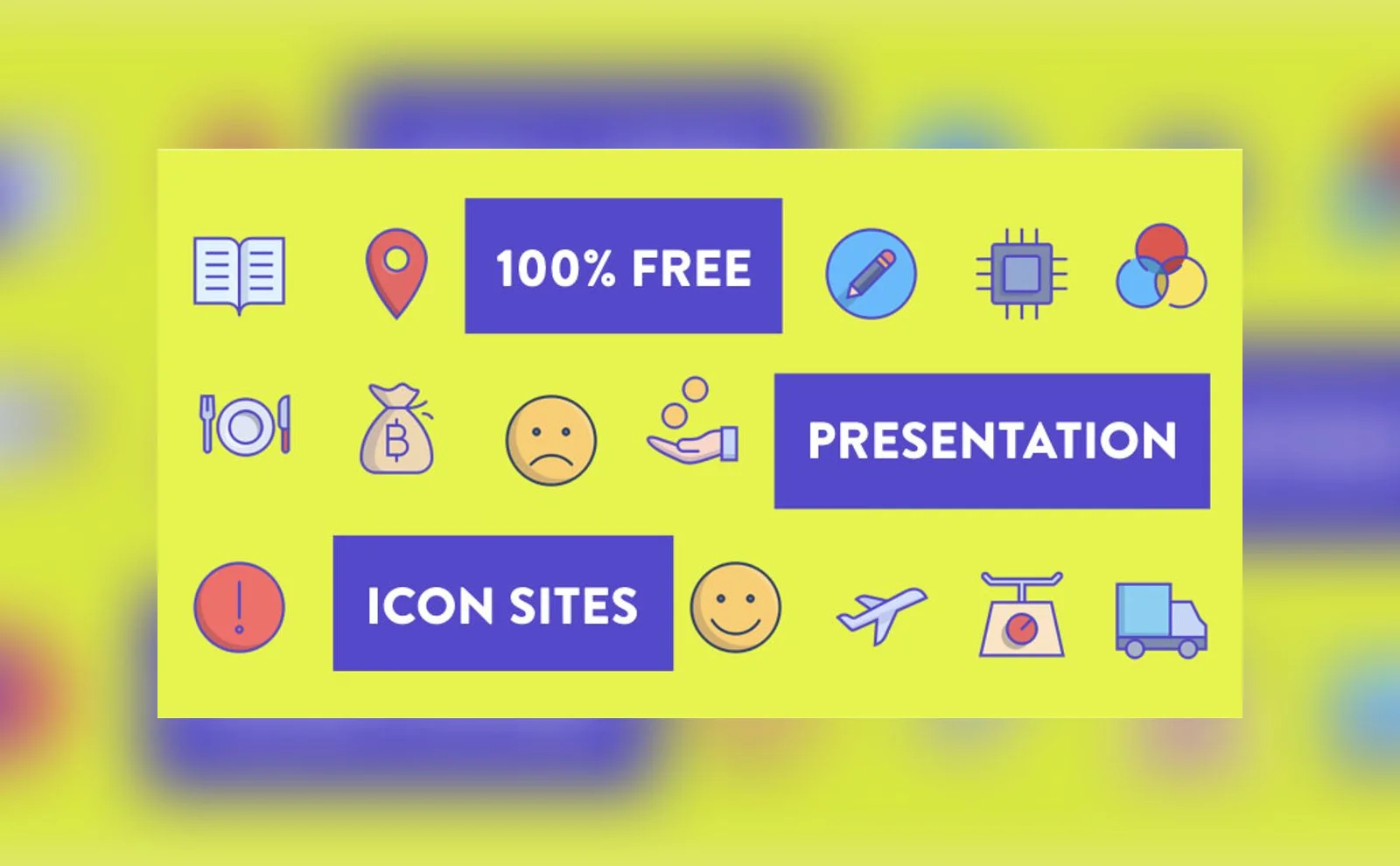
Complete List of Free Icons Sites For Your Presentation Designs
Contents (17)
Updated October 2026: We checked every link in this list on 10 October 2026 and removed seven entries whose pages returned an error, did not respond, or now redirect to another service: Iconfinder (now redirects to Freepik), Webalys Nova and Ego Icons (both now redirect to Streamline), Pixelsmarket, Other Icons, Linea and Inscribemag. Icon counts and licence terms below are from our original 2017 write-up, so read each site’s current licence before you use its icons in client work.
Using imagery in your presentation is a sure-fire way to boost its visual appeal, increase recall and overall build a more persuasive presentation. Whether it’s a sales pitch or internal presentation, you simply can’t go wrong with using icons in your presentation. In fact, it might even increase your presentation’s persuasiveness.
In the day-to-day work for the clients we work with, we use icons extensively as well. Even a simple technique like switching a normal bullet point for a relevant icon helps to not only improve the way our presentations look but offer viewers a visual reference as to what the bullet point is talking about.
In our presentation skills courses, we recommend using a variety of visual tools to accomplish this. These include photographs and stock imagery, as well as iconography and diagrams. Each tool can be used in different situations for varying objectives depending on what creative presentation ideas you have in mind.
We also wrote an article about some of the best places to find free high-quality stock images for your presentations, so we wrote this one for icons.
1. Flaticon
Flaticon is an excellent free icon and visual image repository that allows you to download icons in PNG format (transparent background) in a specific HEX color of your choice! Before we had enough clients to get access to a library of professional icons, we used this extensively to churn out high-quality icons that were consistent with our client brands.
If you’re looking to invest in some specialised icons, they also offer a premium pack that you can purchase for more specialised icons.
2. Freepik
Freepik is another popular repository for images and iconography. You can find PSD files, photos and vector files for your next presentation project. They add hundreds of new graphic elements every day and boast about 400,000 different visual assets available for download on their platform.
3. Noun Project
This is one of our favorite resources that we use all the time. The Noun Project was created to help the world (and very likely, designers) communicate through visual language. They have a really strong community of committed contributors that produce really amazing vector icons in various styles. The really cool thing about this site is that they have a native Mac application (which requires a paid plan) that lets you drag-and-drop icons directly from their app onto your software of choice! (i.e. Adobe Illustrator or PowerPoint) Similar to Flaticon, you’ll be able to pick the colors of the icons too!
4. Iconmonstr
This site is all about simplicity, as the black and white color scheme shows. There are basically two ways you can use the simply drawn icons from here. Click the first tab and get access to close to 4,000 different icons that are neatly organized in more than 200 collections. Otherwise, download the ‘icon font’ where you’ll be able to insert icons using your QWERTY keyboard when you type in software like PowerPoint and such.
5. Icons8
This repository has almost 60,000 flat icons all accessible within a FREE native application that works on both Mac and Windows. They offer a professional licence for commercial projects, so check the current price and terms on their site.
6. Material Icons
The Material repository of icons is ‘officially’ meant more for UI and app design. This doesn’t mean you can’t use those icons for your own presentations though! With more than 900 commonly-used icons at your disposal, add this one to your presentation icon arsenal.
7. Endless Icons
This free icon library has all of its icons conveniently tagged. It’s not the largest library, but you might be able to find some that you can use for your presentation to communicate complex messages.
8. Vecteezy
Vecteezy is one of the more well-known repositories for free vector art in various formats (i.e. svg, ai, eps and more). Besides providing high-quality icon sets, they also offer numerous flat designs for anything you can think of, from megaphones to silhouettes doing squats.
9. Linearicons
Another font-pack that’s usually meant for UI design but still great for presentations. This one offers about 700 thin-style icons that you can use for your next project for free.
10. Fribly
Fribly is a gold-mine repository of visual design assets. In their section for icons, in particular, you’ll be greeted by superbly drawn icons of almost anything you can imagine, from household items to energy icons.
11. Creative tail
A design repository gem that not only offers icons, but also backgrounds and free stock images that you’re unlikely to find anywhere else. They have paid products that are more complex to execute such as cut-out images and the like. If you have the budget to spring for some, do consider purchasing the paid items.Otherwise, their free goods are pretty good too.
12. Pixeden
Pixeden is one of the longest-standing design marketplaces in existence. Similar to Creativetail, they have both paid and free products such as mockups and the like. They also have pretty comprehensive icon sets in the repository as well. They also publish the Orion Icon Library, with 4,500 icons in four styles (Line, Solid, Color and Flat) and an app similar to The Noun Project so you can always have access to icons of almost every style for your presentation design projects.
13. Dribbble
This is more of a quick hack to find some custom icon sets made by some of the best designers in the world on Dribbble. Many of them leave high-quality resources up for grabs after clients reject them. Go ahead and do a quick search to see if you can find any ones that suit your presentation project.
14. SquidInk
This might be the only icon site you really need to get started on your projects. They have more than 8,000 icons in their repository that split into varying styles like Flat, Line and Solid design styles. With more than 2,000 icons in each of these styled-packs you’ll always be able to find the right icons in the right style for projects of any setting.
15. CSS author
The selection of icons on this site is a little limited, but still unique compared as to what you might get on the other sites. Consider browsing here if you’re looking for something you haven’t seen in the other sites above.
16. Free goodies for designers
As its name suggest, this Blogspot page aggregates plenty of graphic assets for free, commercial usage. The only drawback would be that you might need to keep clicking ‘older posts’ to navigate previous resources that they may have posted about.
17. Graphic Burger
This is one of those resource pages we keep going back to. Graphic Burger curates some of the best free design resources on the web from sites like Dribbble and Behance. You’ll be able to find anything from fonts to icons for your presentations.
There are 17 free sites on this list to get you started with using effective icons in your next presentation. Coupled with the other resources we included in our previous posts about free stock images, I’m confident you’ll be able to start taking those presentations to the next level!
Here are links to some of our previous articles to get you started on the right path towards boosting your presentation visuals:
Cite this article: Kai Xin Koh. Complete List of Free Icons Sites For Your Presentation Designs. HighSpark, 2017. https://highspark.co/blogs/free-presentation-icons
Want it done for you?
Decks, narratives and messaging that win, from our agency.
Explore Our AgencyOur services